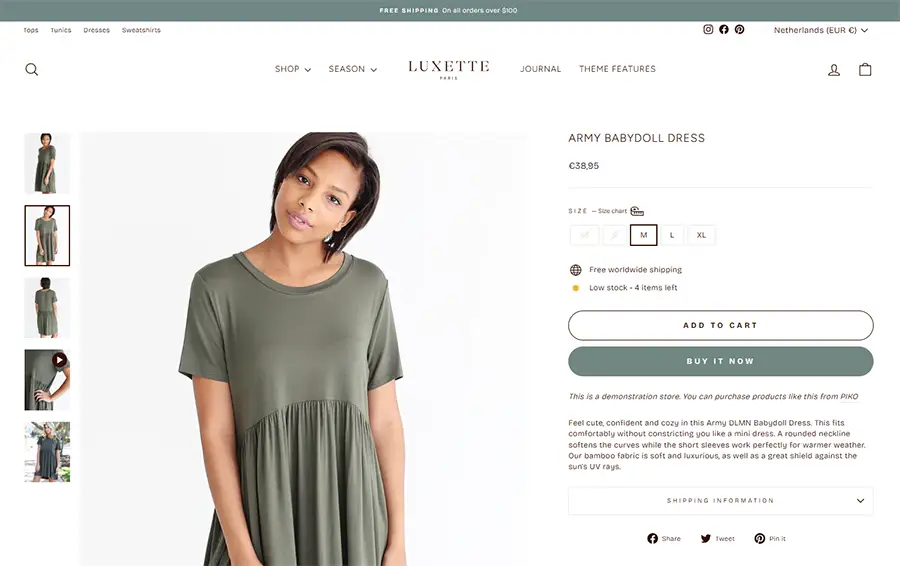
Take a look at the Impulse theme on Shopify’s website — it costs $400. Pay close attention to its layout, design, and features.
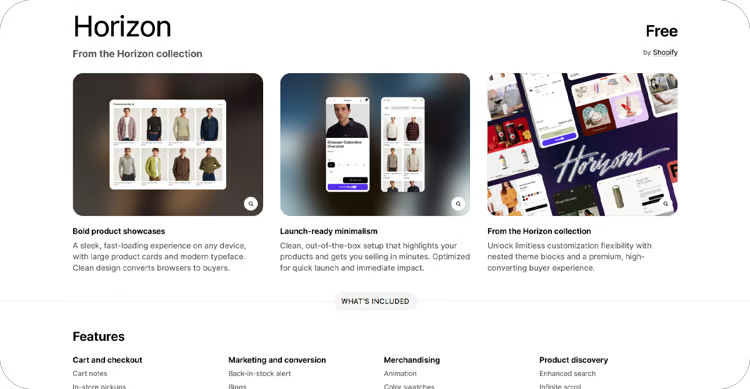
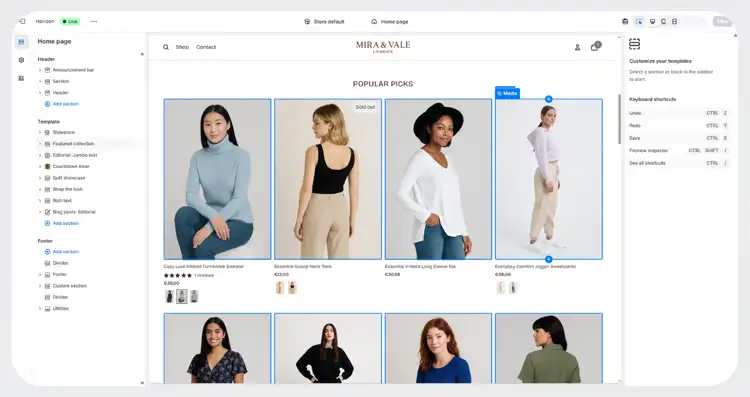
Now compare it to the Mare & Vale store I built using the Horizon theme, which is completely free. You’ll notice that the design, structure, and overall look closely replicate the premium Impulse theme.
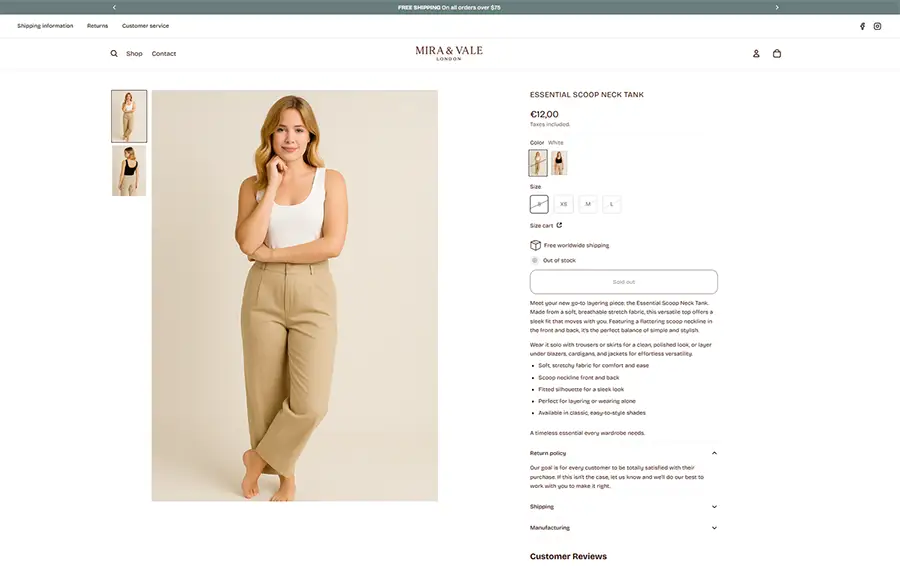
Here’s the website design I created for the Mare & Vale store using AI + the free Horizon theme.
As an experiment, I set out to recreate the look and feel of the $400 Impulse theme using AI + Horizon. The result turned out great — almost identical in terms of layout and user experience.
You can view the store here. Since it’s currently password-protected, use the following password to access it:
Password: mowlew

• Paying $400+ for Shopify themes
• Struggling to design a professional store
• Watching endless YouTube tutorials
• Unsure how to customize the Horizon theme
• Store looks basic and unfinished

• Built a professional Shopify store
• Saved $400+ using the Horizon theme
• Clear step-by-step design process
• Using AI to speed up store design
• Able to design stores for clients
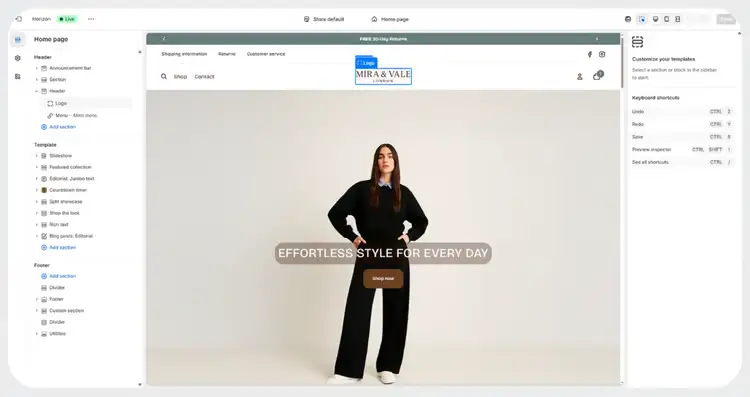
When you enroll you get instant access to 28 step-by-step video and text lessons teaching you how to rebuild this exact Shopify store design using the free Horizon theme. Once you learn the process, you’ll be able to replicate almost any premium Shopify design — even ones that sell for $400 or more.
Preview demo store (click here) — Password: mowlew
In more detail, this is what we'll cover:
Start now!
- Instant access to all course materials
- Learn how to design like a pro
- Easy to follow lessons
- Beginner-friendly
- Lifetime access
- 14-day money-back guarantee

- Learn how to properly add and configure products in Shopify
- Discover how to use high-quality product images that increase trust
- Understand how to organize your store with product collections
- Create a clean, professional navigation and mega menu
- Structure your store so customers can easily find products
- Master the Shopify website editor and store structure
- Design a clean, professional header and navigation
- Build a high-converting homepage layout
- Add advanced sections using Shopify AI blocks
- Create a professional blog and footer
- Install and set up product reviews to build trust
- Design a clean, high-converting product page
- Customize review widgets and star ratings
- Add advanced product sections using AI blocks
- Design collection pages with filters and smart layouts
- Optimize your entire store for mobile devices
- Review and adjust layouts using Shopify’s mobile editor
- Fix spacing and alignment issues on smaller screens
- Use simple CSS tweaks to improve mobile design
- Ensure every page looks clean and professional on mobile

Hey! I'm Robbin & I help Shopify brands grow. Need help?
From store design to email marketing, I build conversion-focused systems that turn traffic into revenue and customers into repeat buyers. Work with me at info@learnwithrobbin.com.